Your Child Is the Hero
Set the hero's name, hair color, skin tone, and personality traits, the AI keeps that exact appearance consistent across every chapter's text and every illustration.
Bedtime stories starring your child, illustrated page by page.
What it does
Set the hero's name, hair color, skin tone, and personality traits, the AI keeps that exact appearance consistent across every chapter's text and every illustration.
Add up to two more kids as equal co-heroes. The story engine guarantees each child gets spotlight moments, dialogue, and decisions in every chapter, no sidekicks.
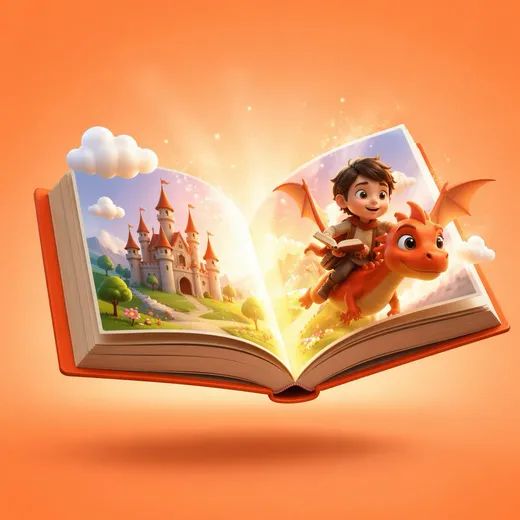
Every chapter gets a 1024x1024 FLUX.2-pro illustration in your chosen style (watercolor, cartoon, realistic, or pixel art), with the hero's face, hair, and outfit anchored to the cover image so they look the same on every page.
Tap play and the story is read aloud while each word highlights in sync, helping early readers follow along word by word.
Each chapter teaches two new vocabulary words with kid-friendly definitions, shares a real-world fun fact, and ends with a tap-to-answer comprehension quiz.
Four age bands from 2-4 to 8-10, each with calibrated sentence complexity and chapter length, from simple repetition for toddlers to chapter-book prose for older kids.
Night mode, an adjustable text-size slider, and a 5-30 minute bedtime timer that gently closes the book when reading time is up.
Finish a story and tap 'What happens next?', the AI writes Book 2 remembering the previous adventure, its moral, and even reusing the hero's exact look from the original cover art.
Choose from 14 morals like courage, sharing, a new sibling, or fear of the dark, and the entire plot is built to teach it through actions, not lectures.
Every story saves automatically with searchable history, bookmarks, time filters, and full-story or per-chapter copy and share.
How it works
Parents pick a theme, mood, age group, story length, and art style, then design the hero, name, hair, skin tone, personality, and optionally add siblings, a life lesson, or even photos for inspiration.
The AI asks three playful personalization questions, then streams a story plan with chapter titles, learning objectives, and a moral.
Tap Start Reading and each chapter streams in word by word while its illustration paints in the background, complete with vocabulary words, a fun fact, and a quiz.
At 'The End,' save it to the library, share it, or tap 'What happens next?' to spin up a sequel.
Keep exploring
Download SimLife and get 10 free credits. No card required.